Flat-hunting is hard. Flat-hunting in a city where you don’t know a single person is a different sport entirely. You can’t ask a friend which area is safe, which builder cuts corners, or which “up-and-coming” neighbourhood is actually a 90-minute commute from everything. You’re relying on listing photos and a broker whose job is to make every flat sound perfect.
know.place was built for exactly this moment. Because it’s a map of what living somewhere is actually like, you can scout an unfamiliar city from your laptop, before you book a flight, before you commit to anything. This post is the relocation playbook.
The screenshots zoom into one city, but the same flow works over any Indian city you’re moving to.
Start with the map, not the listings
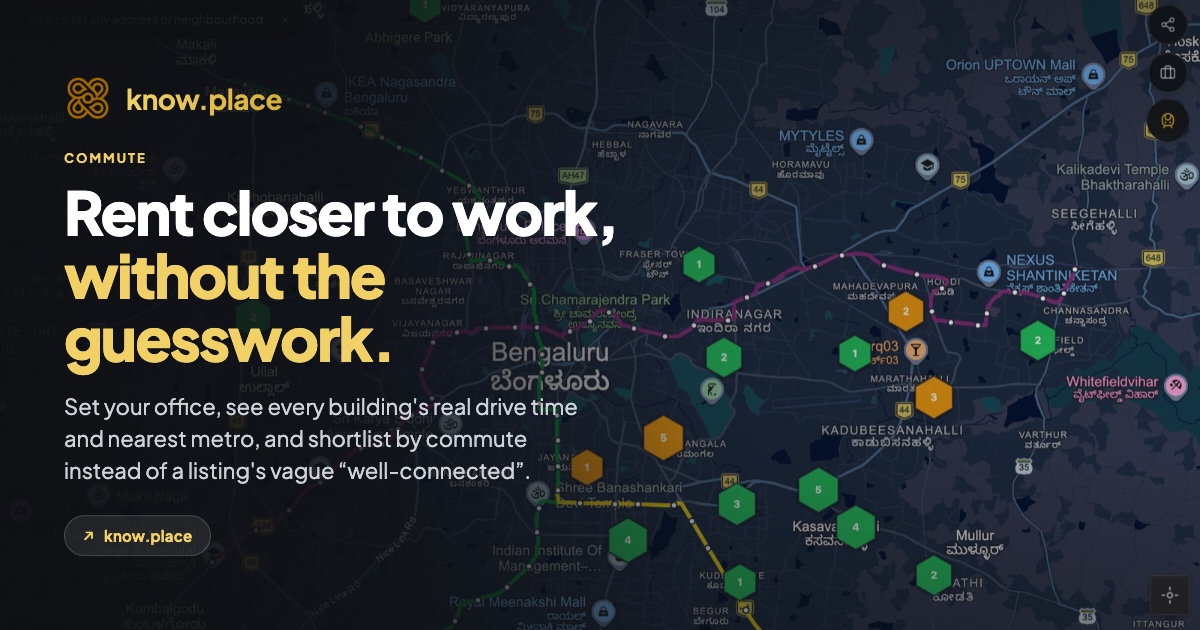
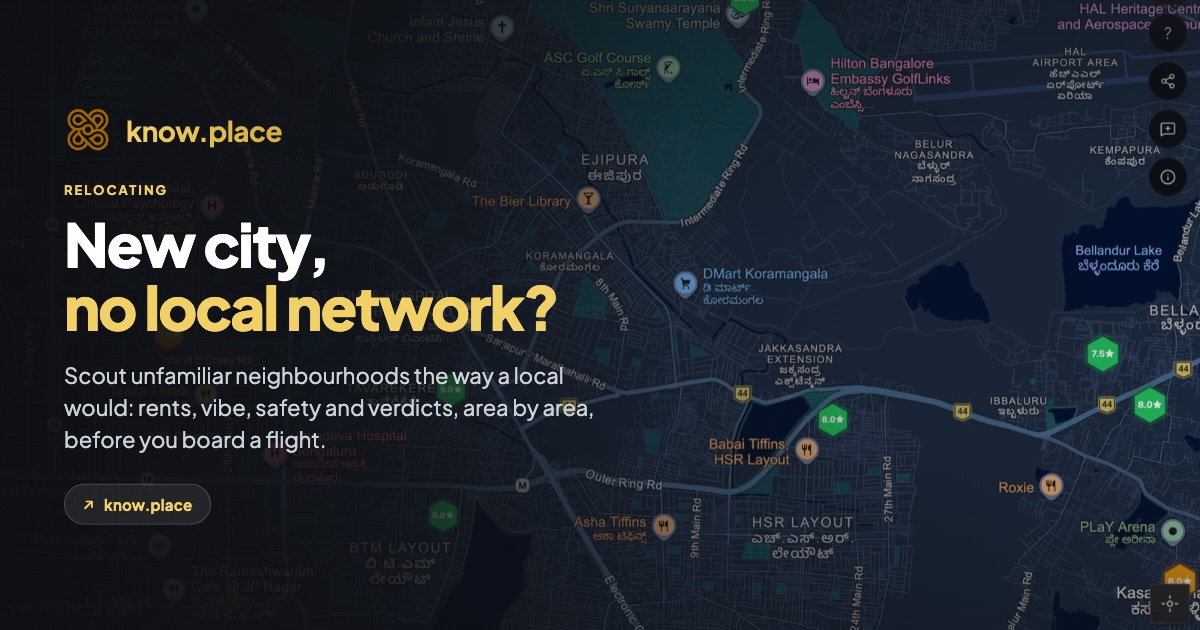
Open know.place and zoom into the city you’re moving to. You’ll see hexagonal markers for every building someone has reviewed. Green means people rated it well; amber means they had reservations.
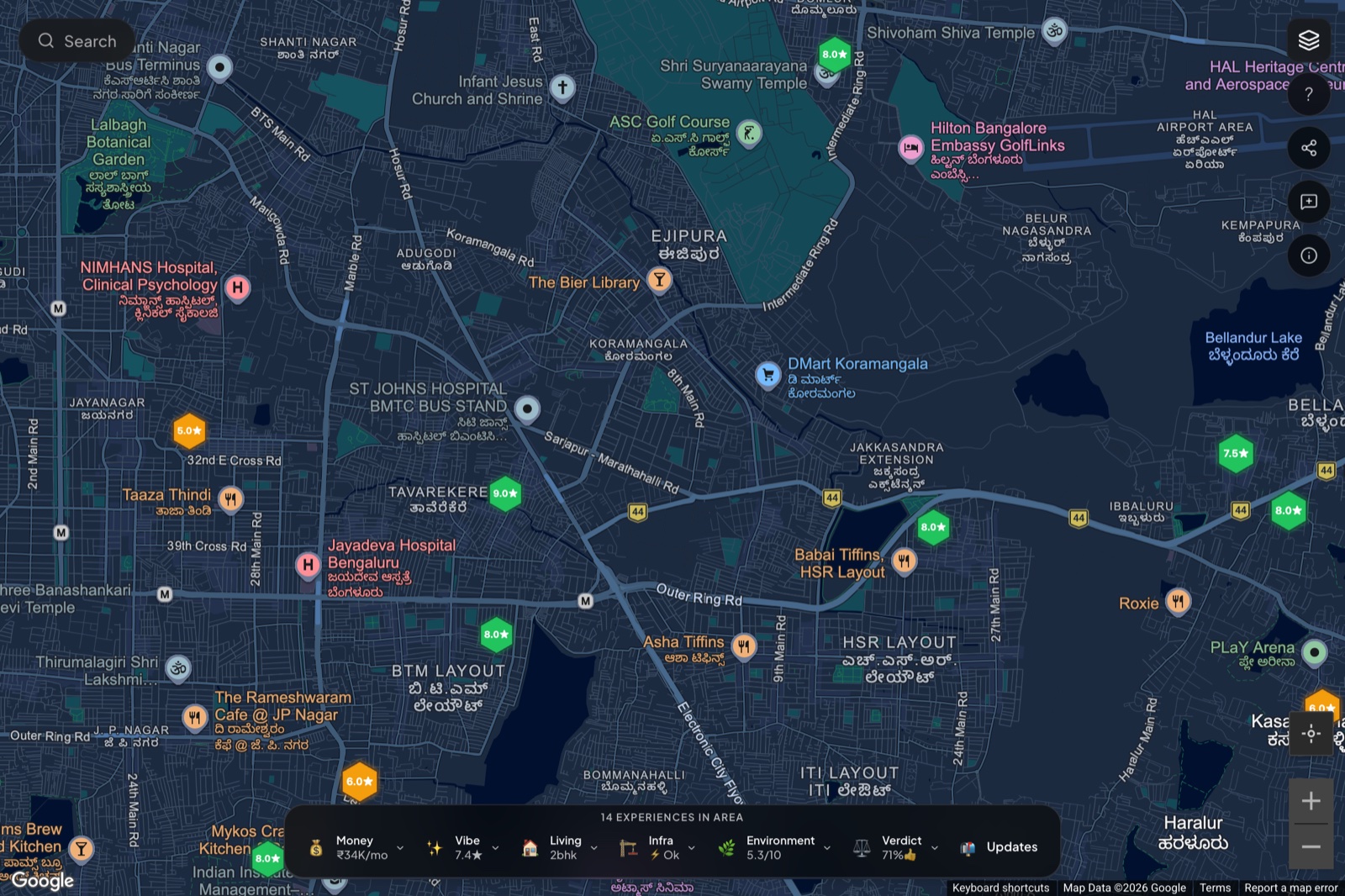
This is the opposite of a listings feed. There’s no “available now” filter and no broker contact button, because the question you have right now isn’t “what can I rent today”, it’s “where would I even want to live”. The map answers that first. Where the clusters of good reviews are tells you which pockets people actually like, before you’ve spent a rupee.
Read the area dock to compare neighbourhoods
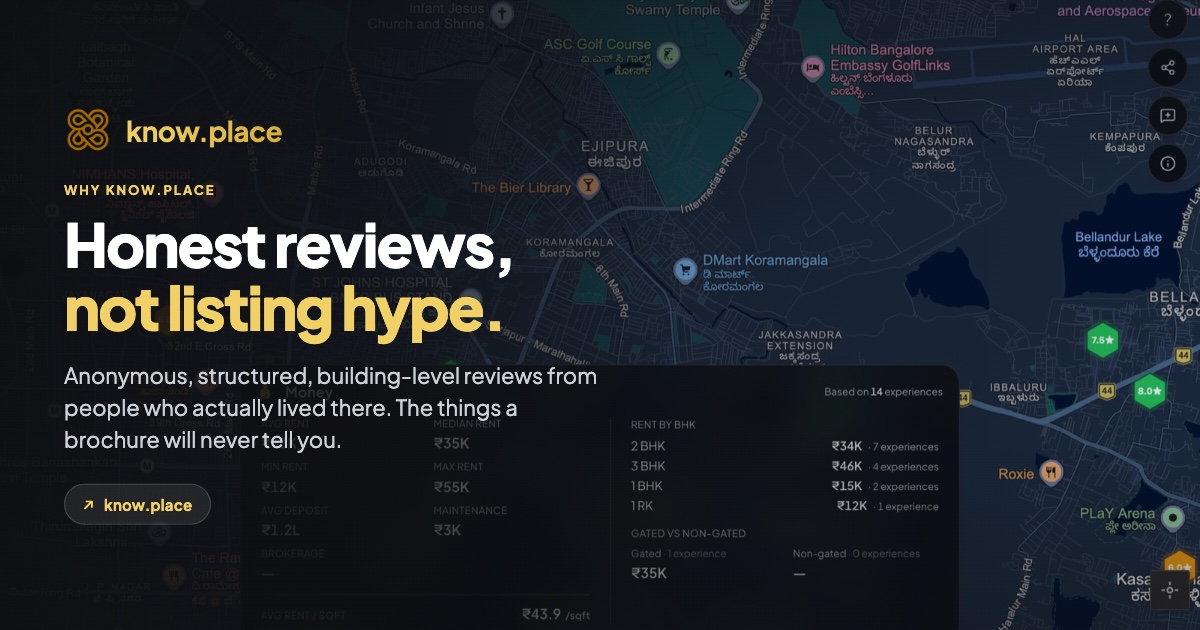
The horizontal dock at the bottom summarises everything in the visible part of the map. Pan to one neighbourhood, read the dock. Pan to another, read it again. You’re now comparing areas you’ve never set foot in, on the numbers that matter.

For a newcomer, the most useful pills are Money (is this area in my budget at all?), Verdict (do people who live here want to stay?), and Living (is this an area of 1RKs or family 3BHKs?). Click any pill for the breakdown: rent by configuration, top pros and cons, gated versus independent. In ten minutes you can build a shortlist of two or three neighbourhoods worth a closer look, instead of arriving cold and guessing.
Search by area or landmark
If you have a fixed point in the city, a new office, a college, a relative’s place, search for it. The top-left search box takes neighbourhoods, addresses, and landmarks, so you can centre the map on what actually anchors your move.
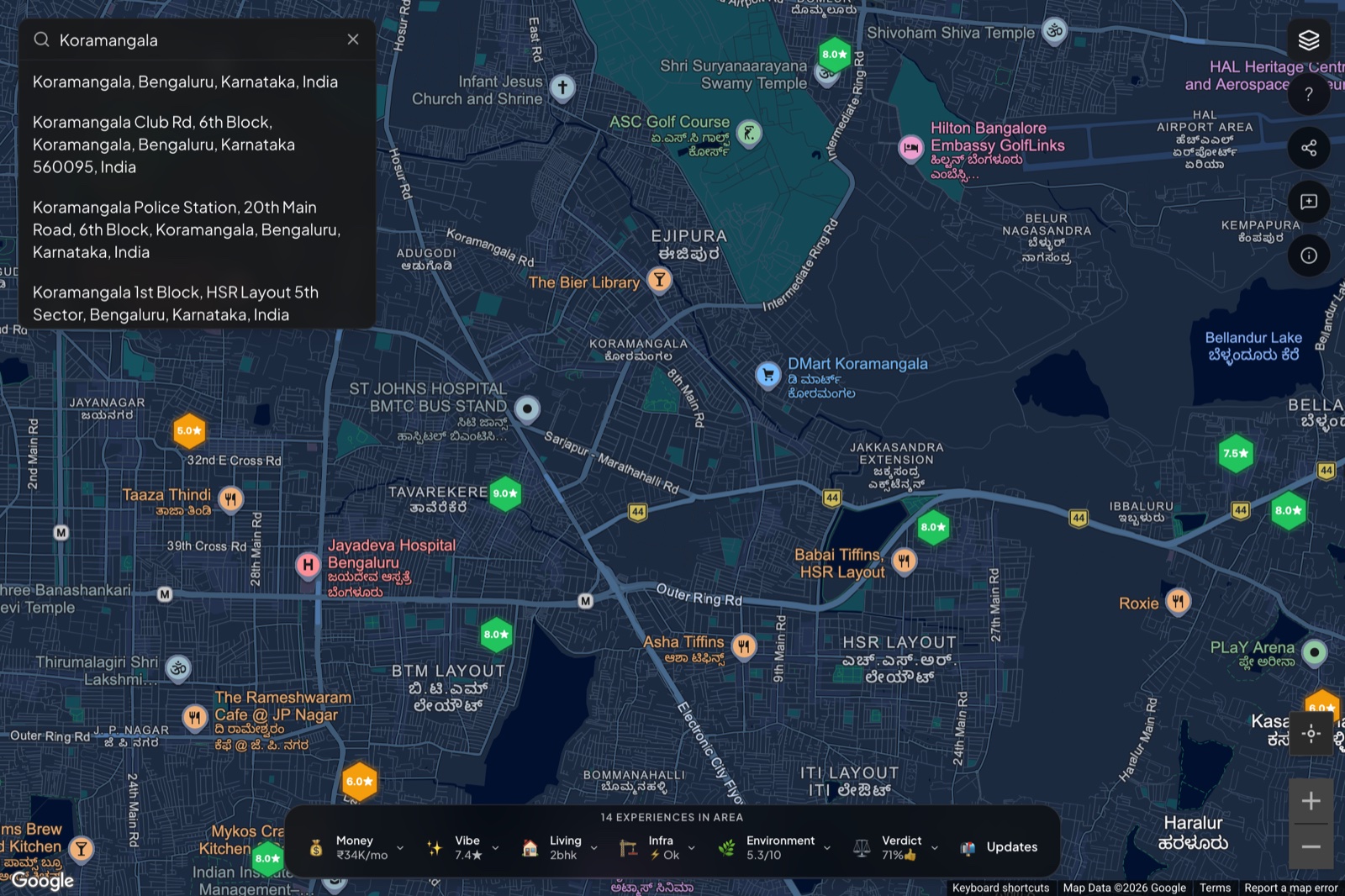
Once you’ve centred on your anchor, the map and the dock do the rest: which buildings near it are reviewed, what people paid, whether they’d stay.
Turn on civic insights for the things locals just “know”
Locals carry a mental map of a city that newcomers don’t: which areas flood, where the metro actually reaches, which wards have which problems. know.place’s insights layer puts some of that on the screen, civic data like ward boundaries, metro lines, transit, water and air signals.
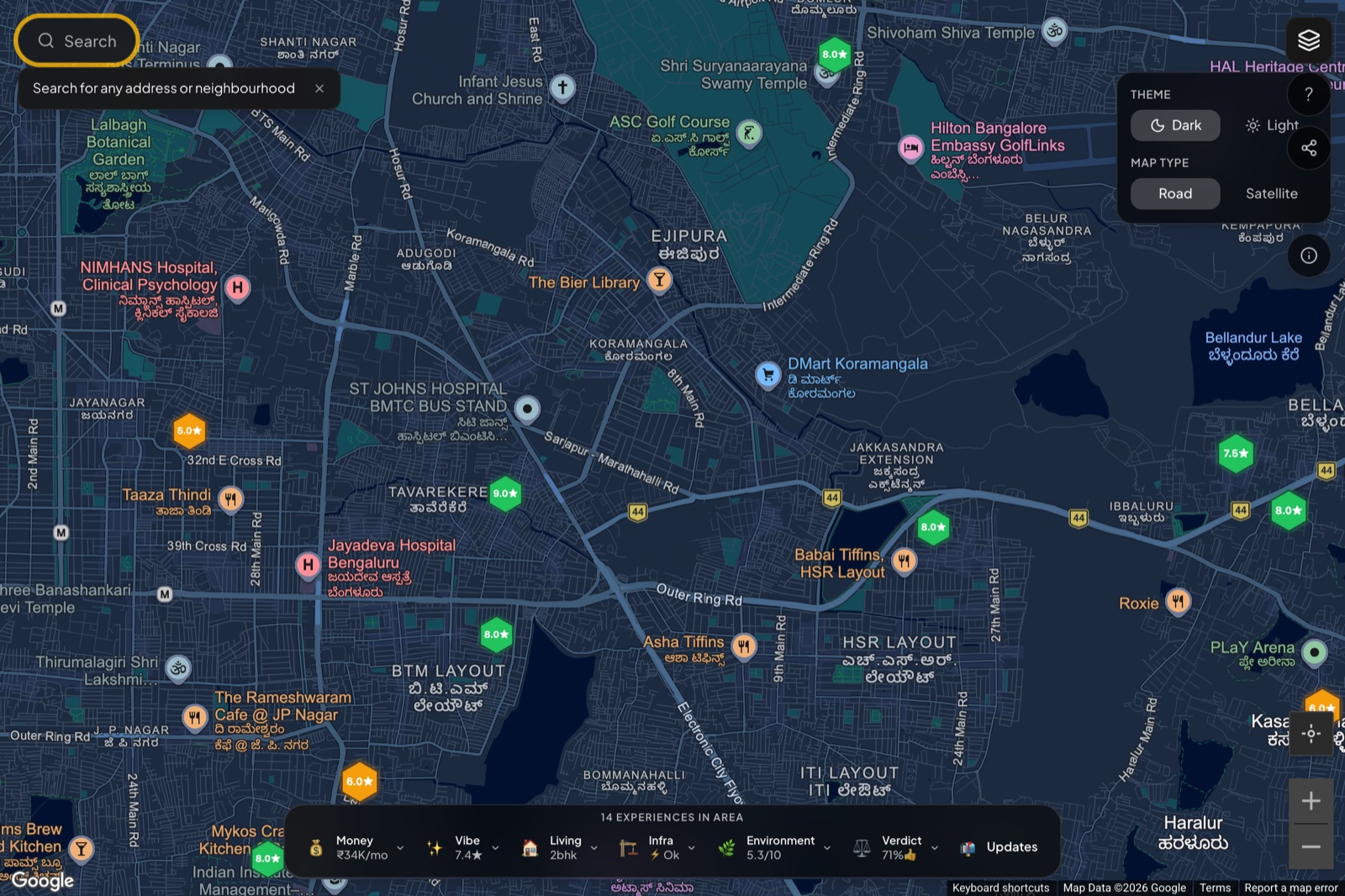
Turn it on from the settings rail. For someone relocating, this is the closest thing to having a local friend explain the city. Click a polygon and the insights panel opens with the public-data story for that area. When the layer is on, sources and last-updated dates are shown, so you can weigh each signal yourself.
The relocation playbook, in order
- Zoom into the city and read where the clusters of good reviews are. That’s your first read on which pockets people like.
- Pan and compare neighbourhoods using the area dock. Shortlist two or three.
- Search your anchor (office, college, family) and see what’s reviewed around it.
- Turn on insights to learn the things locals know: flood pockets, transit reach, civic context.
- Open buildings in your shortlisted areas and read the actual experiences before you book a single viewing.
Done before you land, this turns the scariest part of relocating into something you’ve already studied. You arrive with a shortlist and a reason for each entry, instead of a blank map and a broker’s word.
And once you’ve moved
The reason a newcomer can read your future city today is that people who moved before them wrote down what it was really like. When you’ve settled in, add your experience. The next person relocating with no local network will read it the same way you read everyone else’s.
Keep reading
- Introducing know.place: what it is and why we built it.
- How to use know.place: the full hands-on walkthrough of every flow.
- Rent closer to work: once you’ve shortlisted an area, sanity-check the commute.
- Vet a building before you sign: the due-diligence checklist for your final shortlist.